Make everything a chore!
Micro-manage your family!
- They'll love it
- What could go wrong?
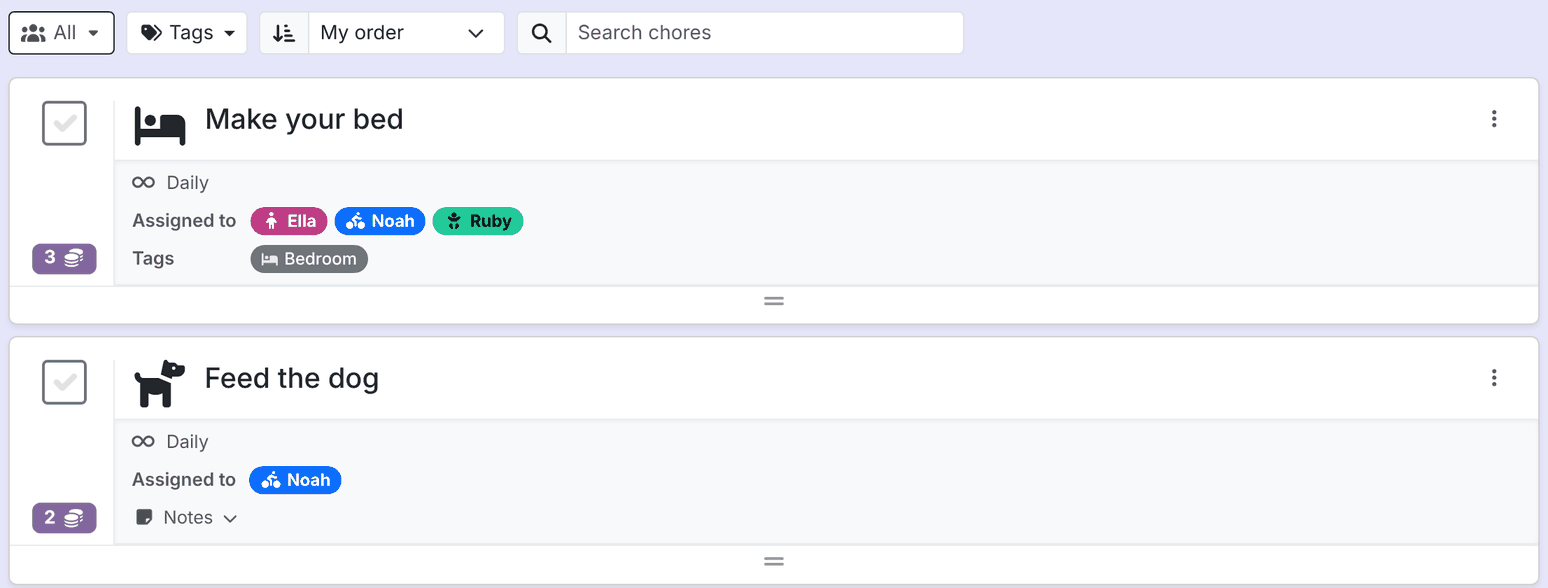
- Filter by profile to see which chores are assigned to who
Free
All of it. Not a trial.
Every chore, every reward, every kid, every family. Nothing runs out after a fortnight, nothing is held back for a paid tier, and there is no card number to type in anywhere.
If it makes your week easier and you would like to help with what it costs to run, there is a tip jar on the support page. Nothing in the app unlocks or changes if you use it.
Up and running in an evening
Make a family
Give it a name and a join PIN made of three icons. There is nothing to pay and nothing to choose between.
Add everyone
A profile each, with its own icon and color. Grown-ups get one too, because somebody has to be seen doing the dishes.
Put up chores and rewards
Say what each chore earns and what each reward costs. If starting from an empty list is daunting, tap one of the suggestions.
Hand out points
Tick a chore off and the points land. They sit there until somebody spends them on a reward.
Earn Points for doing chores and use them for rewards
* Save your points for a big reward or burn them as soon as you get them on smaller rewards

Work together
- Help eachother with chores and assign points to everyone who helped.
- Assign chores to different profiles.

Easy to use and fun for Kids
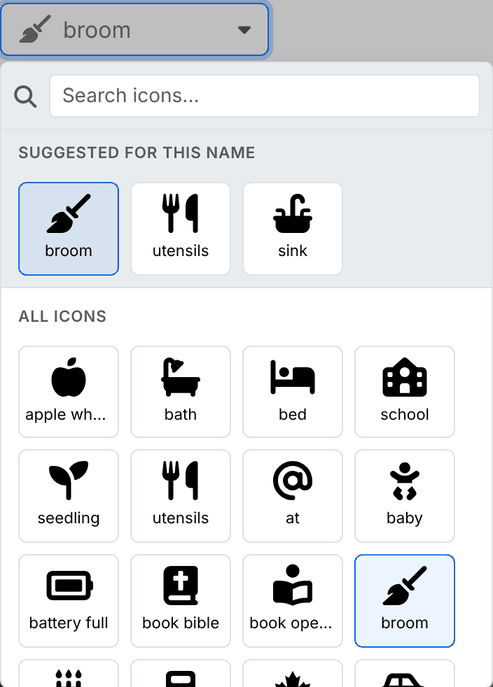
- Set icons for chores, profiles, and rewards. Easier to use for learning readers.
- Set an icon and color for each profile. It's used everywhere to quickly identify chore assignments.
And all of this as well
-
Points that add up
Every chore is worth whatever you say it is worth, and what has been earned and spent stays on the record.
-
Rewards to spend them on
Screen time, ice cream, a film night. Once each, over and over, or a monthly one they renew.
-
Chores that come back
Daily, weekly, monthly or every few days. A finished chore reappears on its own schedule.
-
A PIN only a parent knows
Three icons rather than a password, on whichever actions you choose to protect, or off altogether if you would rather trust everyone.
-
Made for pre-readers
Every chore, reward and person carries an icon and a color, so a child who cannot read yet still knows which chores are theirs.
-
Find anything quickly
Narrow the list by person or tag, search it by name, sort it how you like, or drag it into exactly the order you want.
-
More than one household
Grandparents, two homes, a sitter. One account can belong to several families and switch between them.
-
Your clock, not a server's
Pick the family's time zone and the day rolls over when yours does, wherever the app happens to be running.
Children, privacy and getting help
- A child's account is set up by a parent and signs in with a username. No email address is collected from a child.
- Nothing about your family is sold, and nothing is handed over for somebody else's advertising. The privacy policy says so in those words.
- Questions are answered on the FAQ, and anything that is broken can be sent to us from the support page.
Micro-manage your family!